



Expo + React Native · Claude Code · Cursor

The mobile app starter kit for AI agents.

Open AppBoost in Claude Code or Cursor, describe the app you want, and let the agent build it. Login, payments, push and analytics already work, so it starts from a real app instead of an empty folder.

Free and open source. MIT license. No account needed.

Stack

  • Expo
  • Supabase
  • RevenueCat
  • PostHog
  • Claude Code
  • Cursor
Before your app does anything

Every app starts with the same four weeks of plumbing.

You need all of it before anyone can sign up or pay you, and none of it is the app you wanted to build.

Estimate · your next appDays*
  1. Sign in with Google and magic links4 days
  2. Subscriptions, trials and restore purchases6 days
  3. A paywall with restore and privacy links3 days
  4. Onboarding flow2 days
  5. Push notifications and token storage3 days
  6. Database tables and row level security3 days
  7. Analytics and feature flags2 days
  8. Buttons, inputs, cards, modals, dark mode5 days
Total28days
With AppBoost

Already written. You add your keys.

* Rough estimates for a first go. They tend to grow.

The /appboost command

Type /appboost. Answer a few questions.

Run it in Claude Code or Cursor. It asks what your app is called, installs the official Supabase and RevenueCat MCP servers, then creates your tables, RLS policies, entitlements and offerings. You still make the accounts. Skip any step and come back later.

~/tide · claude
Welcome to Claude Codecwd: ~/tide
? for shortcutsesc to interrupt
What it sets up0/5
  1. App settingsName, bundle IDs, scheme
  2. SupabaseAuth, tables, RLS policies
  3. RevenueCatProducts, entitlements, offerings
  4. PushExpo push notifications
  5. PostHogAnalytics keys
Rules for
  • Claude Code
  • Cursor
  • Windsurf
  • Copilot

AI coding rules included for all four, so the assistant writes code that fits the template.

Claude Code and Cursor are separate subscriptions. AppBoost works without them too, there's a manual setup guide.

What's inside

The whole skeleton, already working.

Real screens from the template. Change the colours and copy and they're yours.

PaymentsRevenueCat

RevenueCat, already wired in.

Subscriptions, free trials, one-time purchases and restore, all through RevenueCat. Use the built-in code paywall or switch to a RevenueCat remote paywall you can change without shipping an update.

  • Subscriptions & free trials
  • Restore purchases
  • Code or remote paywalls

The trial offer. Nothing to pay today.
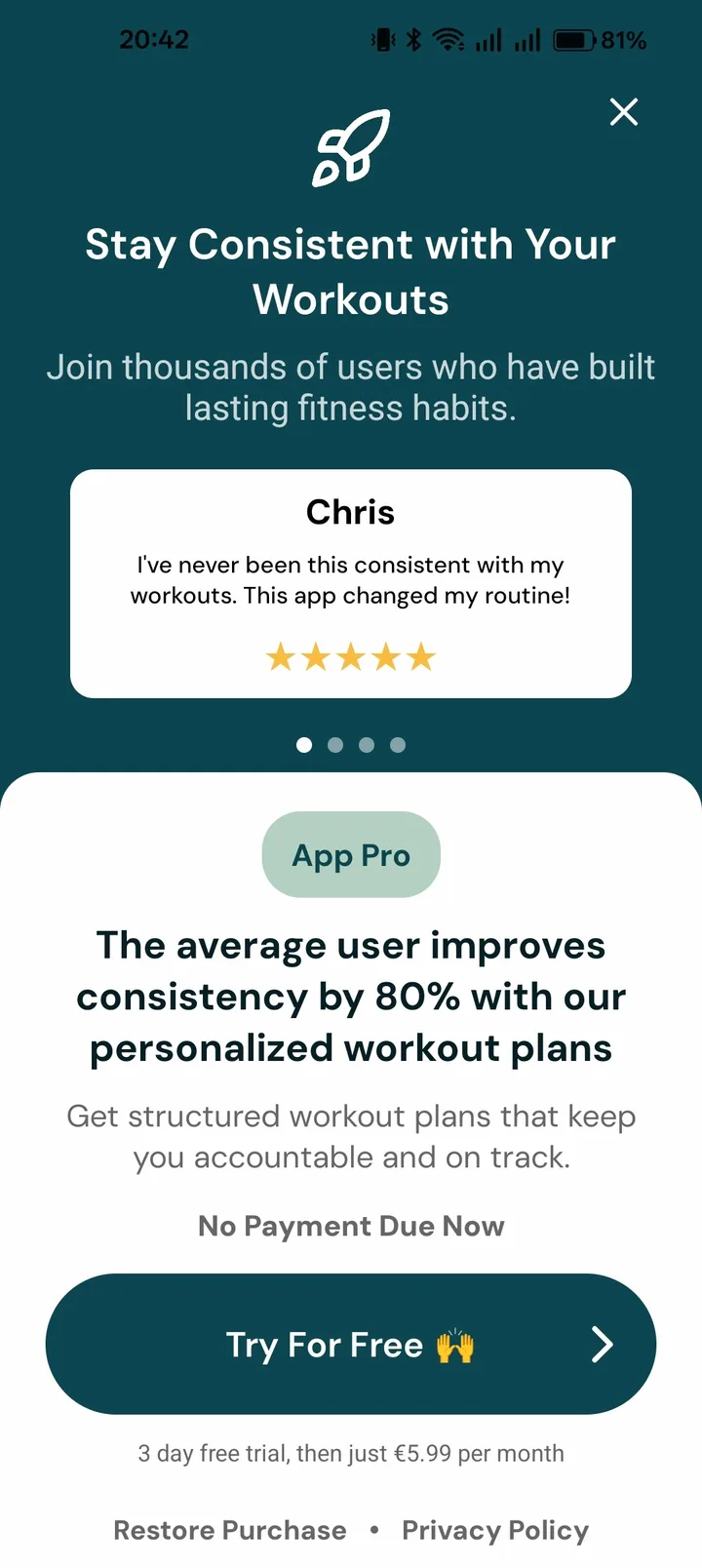
AppBoost paywall with a free trial offerAppBoost paywall with a monthly subscription
LoginSupabase Auth

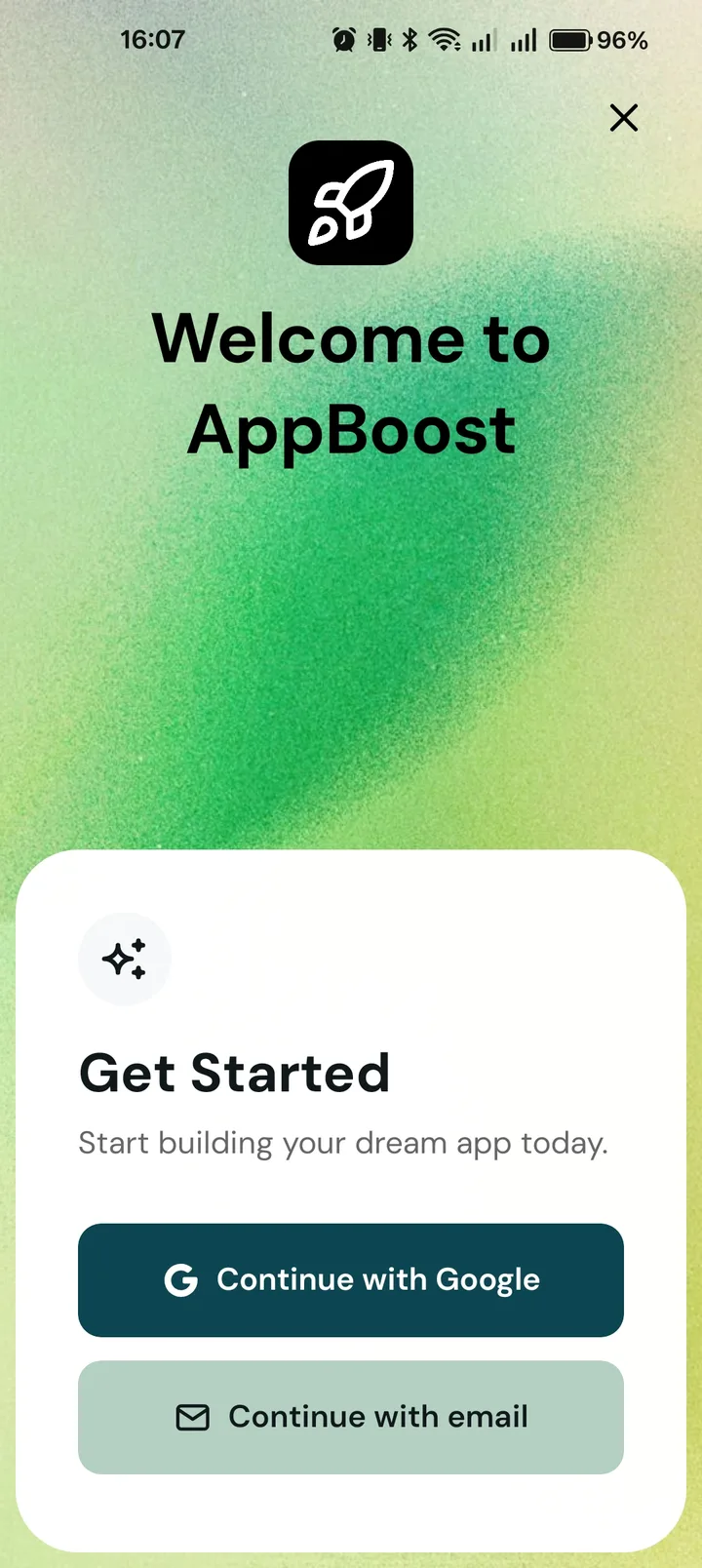
Sign in with Google, or just an email.

Google sign-in and passwordless magic links. Make login required or optional with one line in the config.

  • Google OAuth
  • Magic links
  • Optional or required login
Sign-in screen with Google and email buttons
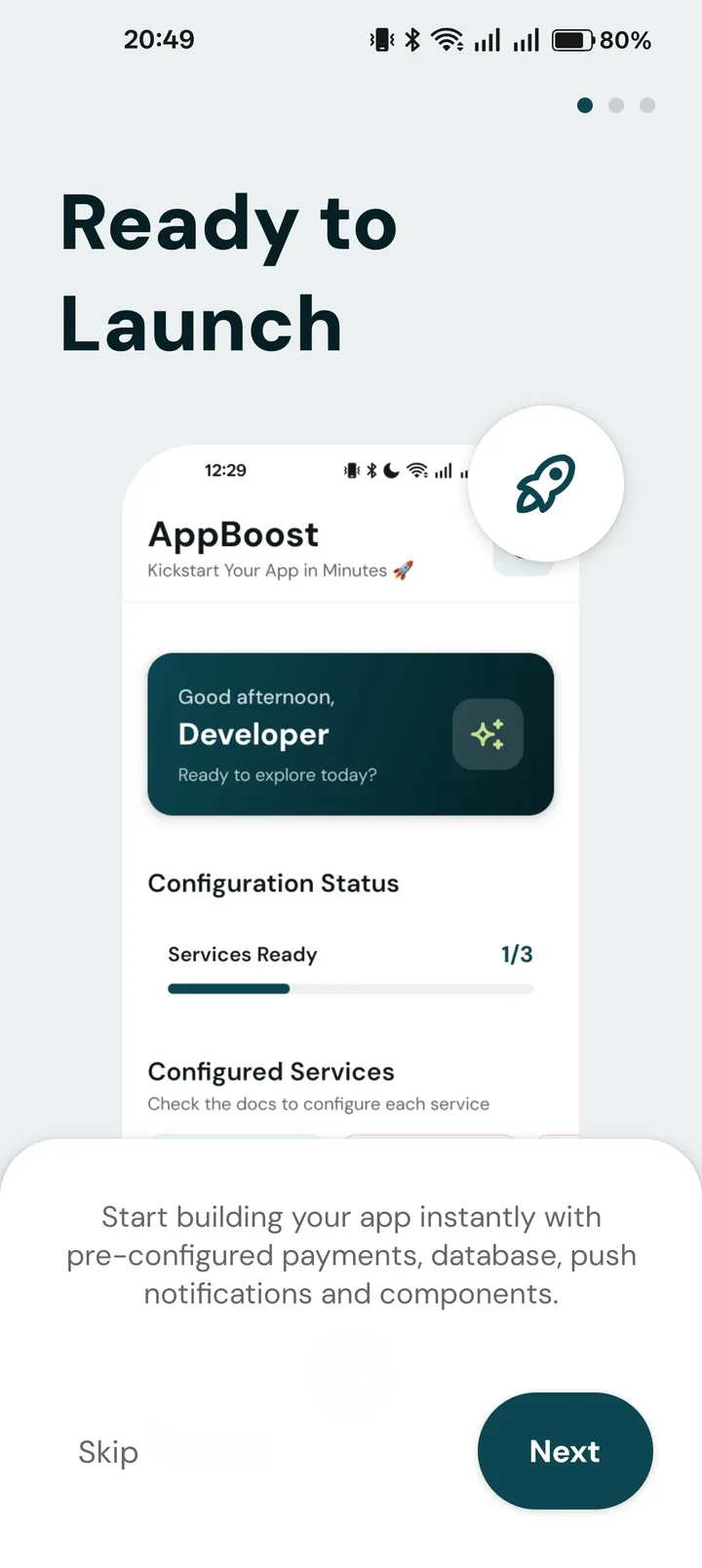
OnboardingBuilt in

Onboarding you edit in one array.

Swipeable welcome screens with a skip button. Every step and skip is tracked in PostHog, so you can see where people drop off.

  • Steps in one array
  • Step and skip events
First onboarding screen
PushExpo Notifications

Expo push with tokens already saved.

Permission prompts, Expo push tokens saved to Supabase, and handlers for when a notification is tapped.

  • Permission handling
  • Tokens stored per user
DatabaseSupabase

Postgres with RLS already written.

Supabase with user_profiles and expo_push_tokens tables, row level security policies and a real-time helper. Add your own tables next to them.

  • user_profiles
  • RLS policies
  • Real-time
AnalyticsPostHog

PostHog with 20+ events already tracked.

PostHog is already wired into onboarding, the paywall, purchases and login. Feature flags are there when you want to try a new paywall on 10% of users first.

  • Events
  • Feature flags
15+ components

Looks like an app on the first build.

Light and dark mode, consistent spacing, and they're plain React Native. Restyle them or rip them out.

  • Light + dark
  • Plain React Native
  • Shared theme tokens
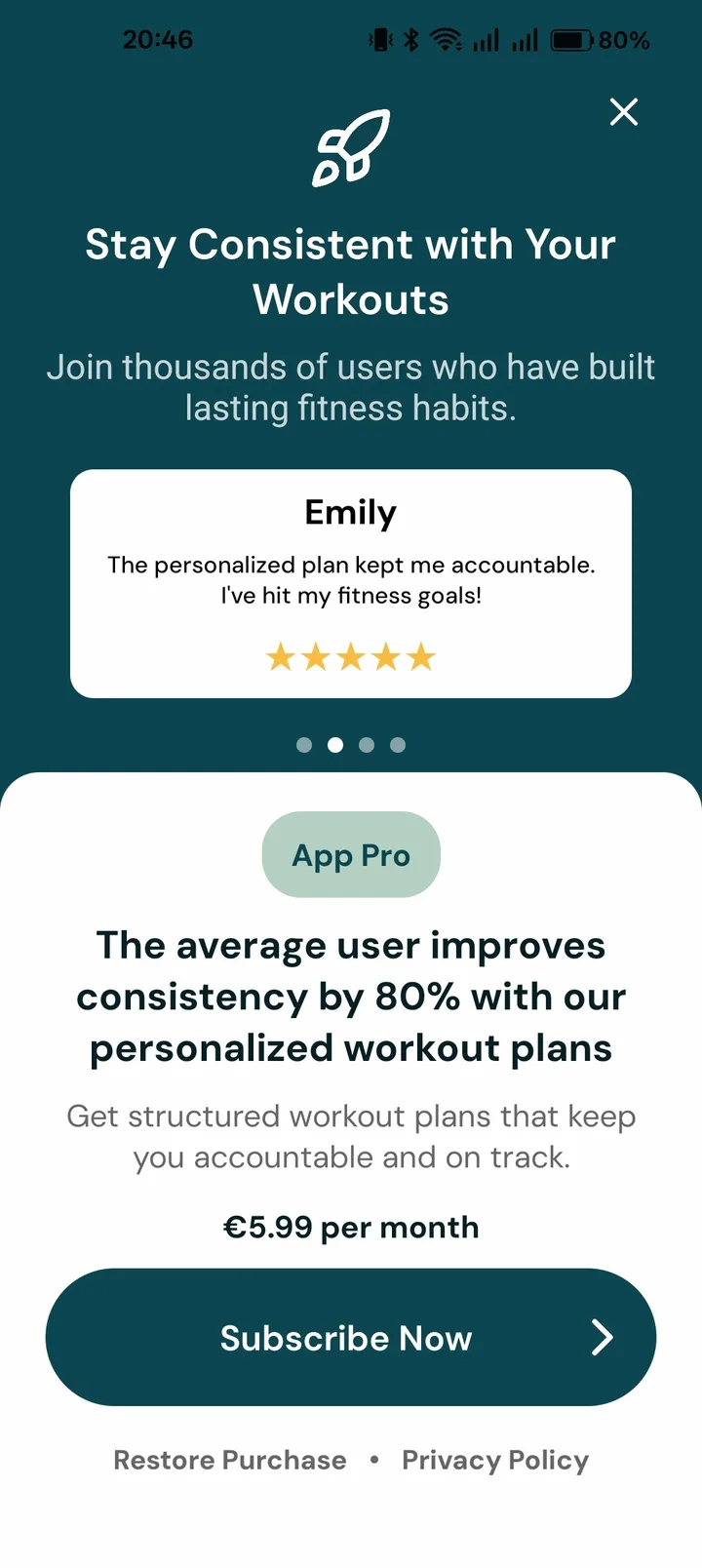
  • Paywall component
    Paywall01
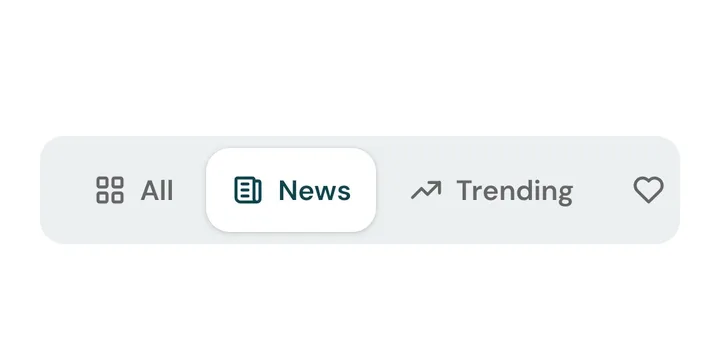
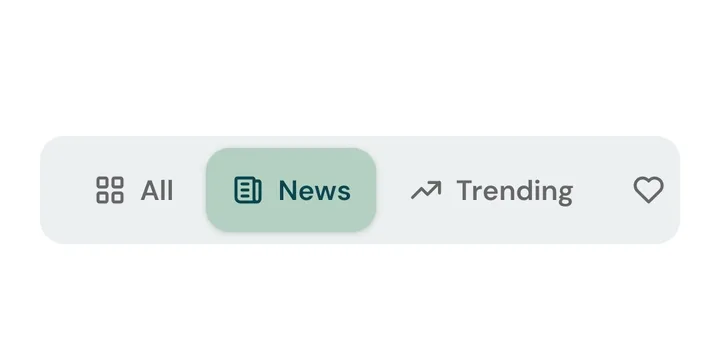
  • Tabs component
    Tabs03
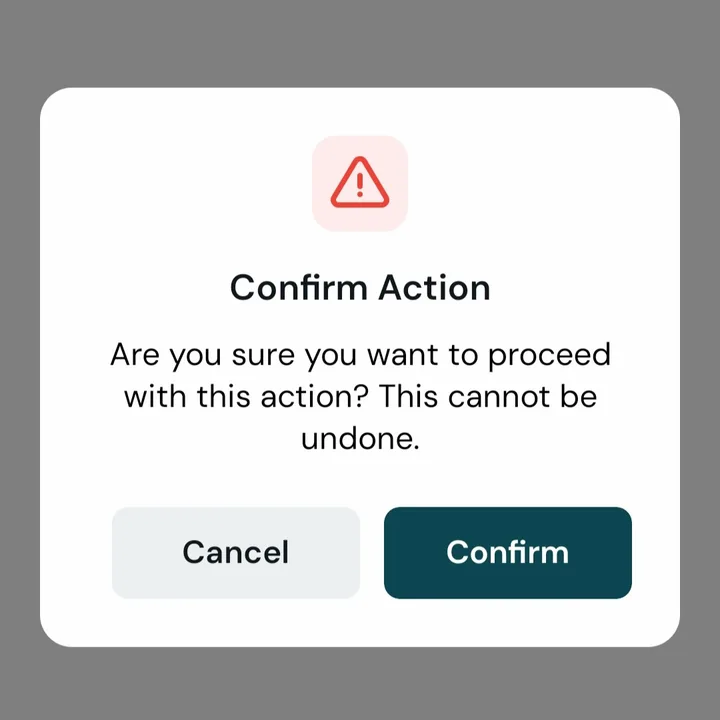
  • Dialog component
    Dialog05
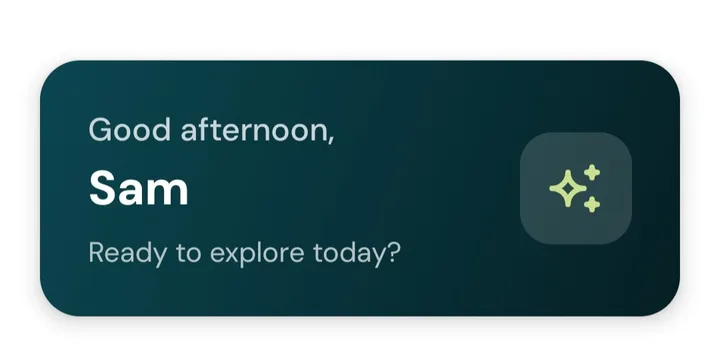
  • Welcome card component
    Welcome card07
  • Quick actions component
    Quick actions09
  • Dropdown component
    Dropdown11
  • Collapsible component
    Collapsible13
  • Checkbox component
    Checkbox15
  • Tabs, segmented component
    Tabs, segmented17
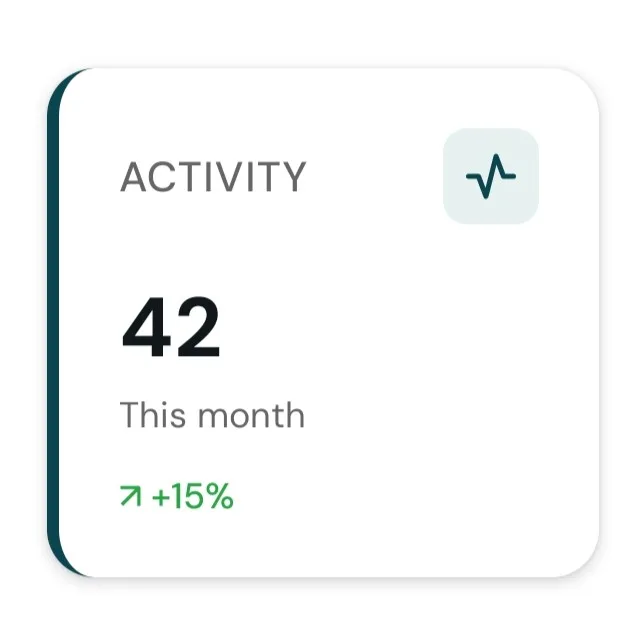
  • Stats card component
    Stats card02
  • Profile card component
    Profile card04
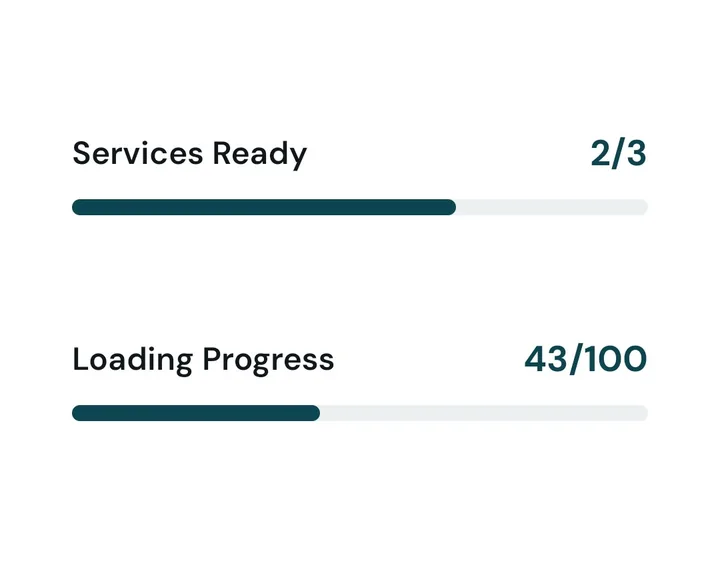
  • Progress card component
    Progress card06
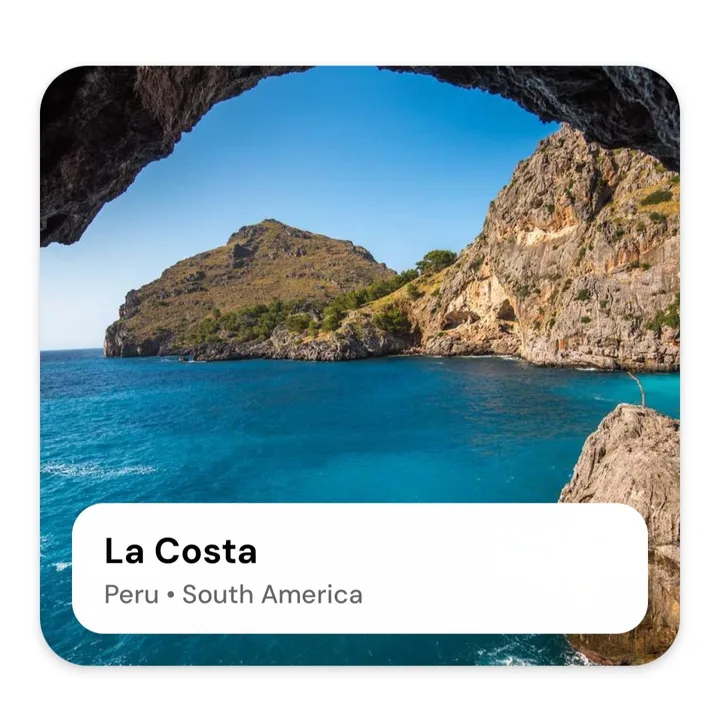
  • Image card component
    Image card08
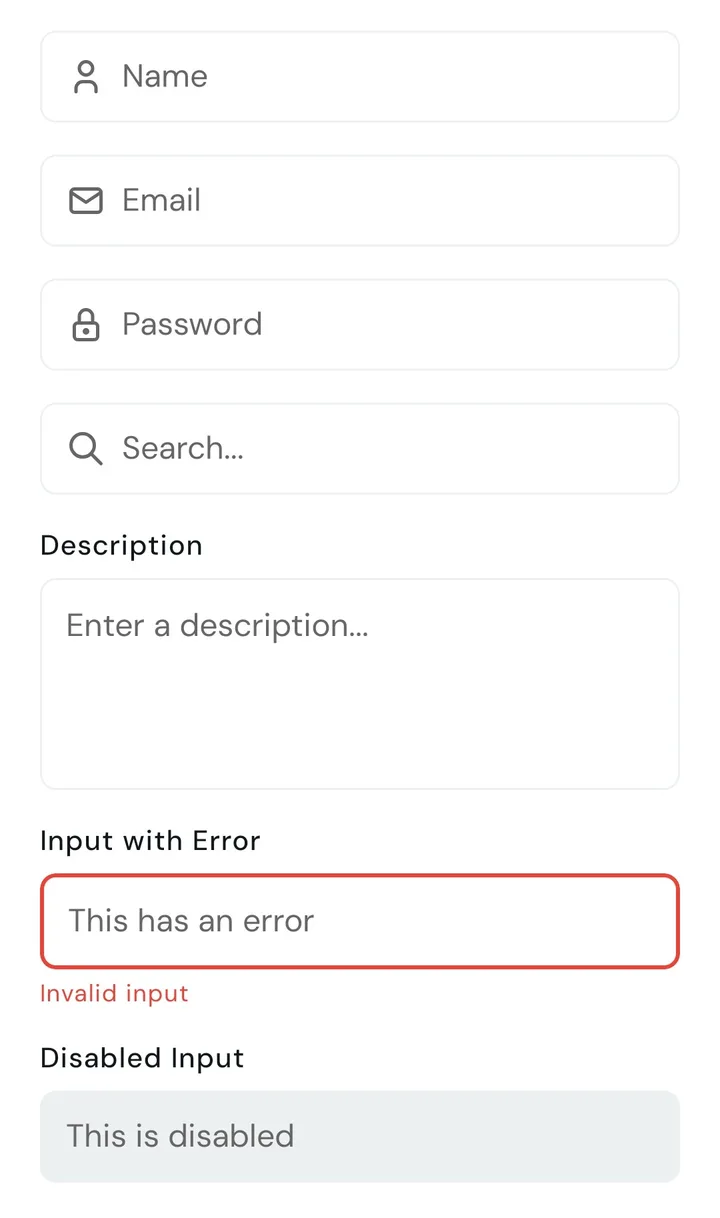
  • Input component
    Input10
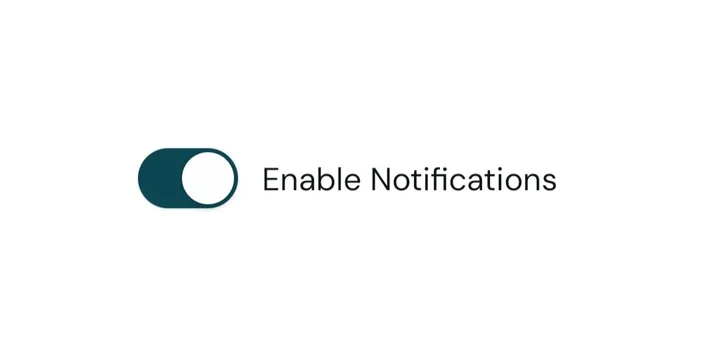
  • Switch component
    Switch12
  • Skeleton component
    Skeleton14
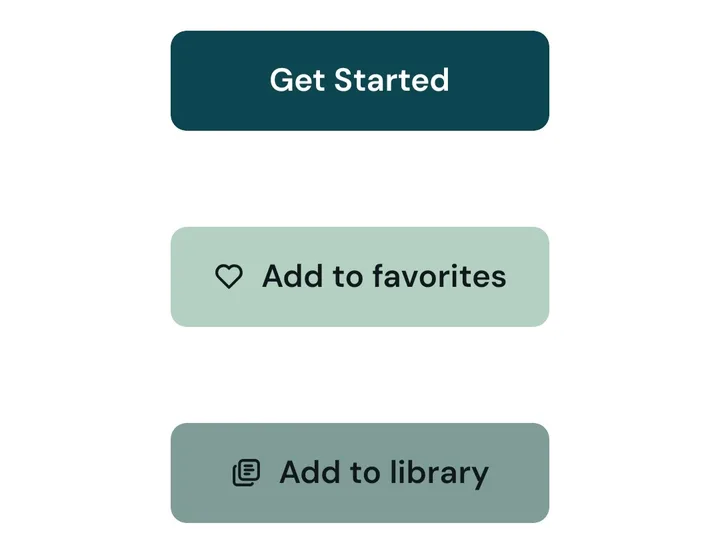
  • Buttons component
    Buttons16
  • Onboarding component
    Onboarding18
Price

Free. Open source.

No checkout, no account. Clone the repo and it's yours, updates included.

AppBoost

The complete Expo template

$0, free forever

A star on GitHub is plenty.

Everything in the repo

  • Public GitHub repo with the full Expo app
  • RevenueCat payments and paywalls
  • Supabase login, database and real-time
  • Push notifications
  • PostHog analytics and feature flags
  • 15+ UI components, light and dark
  • The /appboost setup command
  • AI coding rules for Claude Code, Cursor, Windsurf, Copilot
  • Docs, including a release guide for the App Store and Google Play
  • Future updates
  • Expo SDK 57
  • React Native 0.86
  • JavaScript
  • iOS + Android
  • Dev build, not Expo Go
Get it on GitHub

MIT licensed. Clone it, fork it, ship it.

FAQ

Before you start.

Anything not covered here, email contact@appboost.dev.

  • A public GitHub repository with the complete Expo React Native app: RevenueCat payments (including remote paywalls), Supabase login, database and real-time, push notifications, PostHog analytics and feature flags, onboarding, a paywall and 15+ components. Plus the /appboost command and AI coding rules.

  • It helps, but you don't need it. /appboost walks you through each service and the docs cover every step by hand. Most of the work is in the Apple, Google and RevenueCat dashboards, not in code.

  • No. Claude Code is a separate product from Anthropic with its own subscription. AppBoost includes the /appboost command and coding rules that work with it (and with Cursor), but you can set everything up manually without any AI tool.

  • The code is done: subscriptions, one-time purchases, free trials, restore, and code or remote paywalls. You still create the products in App Store Connect and Google Play (Google wants one uploaded build first). Then /appboost sets up entitlements and offerings in RevenueCat through its MCP, or you paste the keys in yourself.

  • Yes. The components are plain React Native with shared theme tokens, so colours, spacing and fonts change in one place. Nothing is locked behind a library.

  • Yes. The whole template is on GitHub under the MIT license. There's no paid tier and no account to make.

  • No. Push notifications and PostHog session replay need a native build, so you run a development build with EAS Build or npx expo run:ios / run:android. The getting started guide covers both.

  • Both. The release guide covers App Store and Google Play submission.

  • Supabase, RevenueCat, PostHog and Expo, all with free tiers. To ship: an Apple Developer account ($99/year, also needed for iOS push) and a Google Play developer account ($25 one-time).

  • No. /appboost lets you skip any step and come back later. Without Supabase, push tokens stay on the device and sending from a backend is off.

  • No, it's JavaScript (JSX).

  • Yes. It's MIT licensed, so use it for as many apps as you like, paid ones included.

Build your dream app with AI.

Clone the repo, open it in your agent, run /appboost.

Free and open source. MIT license.